You can log in to your profile and update your password using the Info page in the About Me menu.


Click Change next to your password:

Then enter your old password once, your new password twice, and click Update:
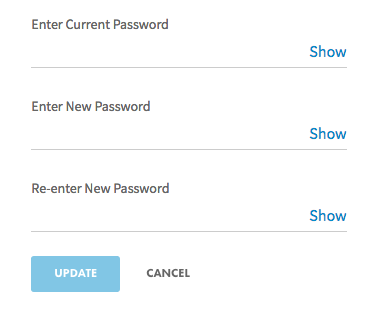

If you're having difficulty typing passwords, use the Show toggle to reveal the password you're entering.
Note: Password must be 8-24 characters, and include at least one: upper case letter, lower case letter & number